web.config aspnet sqlite realtive path
sqlite csharp 使用相对路径
By default, the |DataDirectory| variable will be expanded as follow:
- For applications placed in a directory on the user machine, this will be the app’s (.exe) folder.
- For apps running under ClickOnce, this will be a special data folder created by ClickOnce
- For Web apps, this will be the App_Data folder
Under the hood, the value for |DataDirectory| simply comes from a property on the app domain. It is possible to change that value and override the default behavior by doing this:
1 | AppDomain.CurrentDomain.SetData("DataDirectory", newpath) |
方案一:
1 | <add name="SQLiteDB" connectionString="data source = |DataDirectory|KeRi.db" providerName="System.Data.SqlClient"/> |
使用csahrp 官方的system.data.sqlite 库; 可以识别connectionString中的|DataDirectory| pattern;
方案二:按自己需求处理;
web.config档案:
1 | <add name="SQLiteDB" connectionString="data source = KeRi.db" providerName="System.Data.SqlClient"/> |
1 |
|
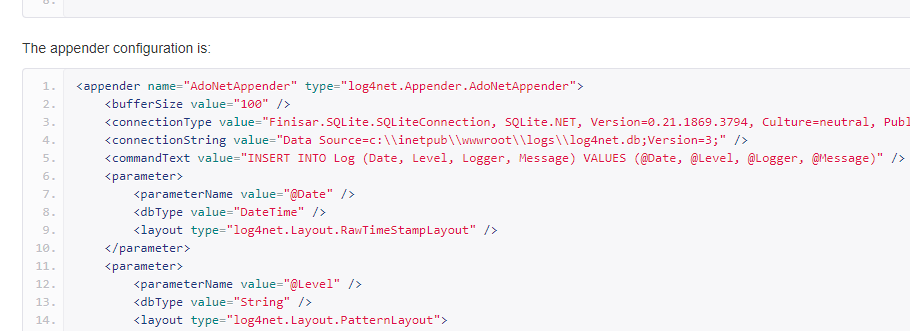
log4net 配置 sqlite 路径;
用DataDirectory 看否能配置log4net;
相对路径不起作用;